Tenant Switch
Eden Suite users who have access to more than one tenant will see a “Switch Tenant” button in the top-right of the screen.

Click the “Switch Tenant” button to display the “Switch Tenant” popup.
Start typing the name of the tenant to switch to. A list of tenants whose name matches the entered text and who the logged-in user has access to will appear in the dropdown list.
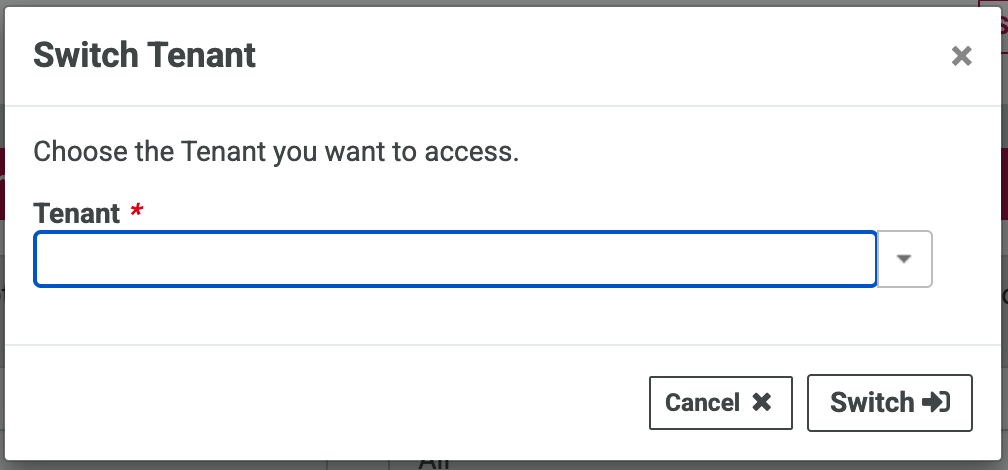
Select the required tenant from the match list and click Switch to be switched into the selected tenant in Eden Suite.
